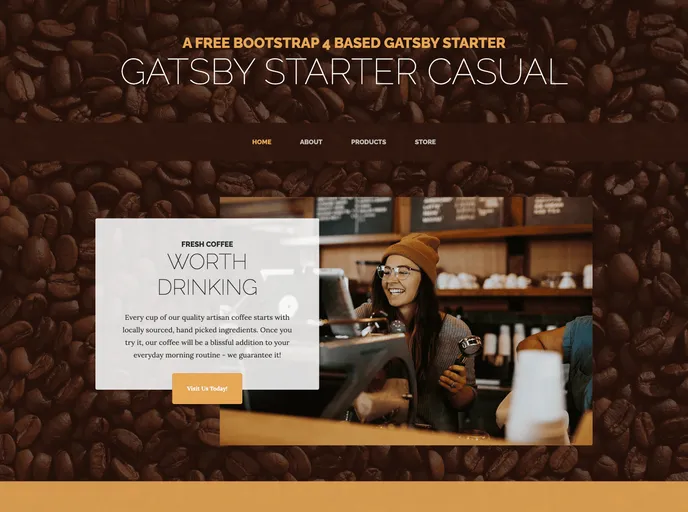
Gatsby.js V2 starter template based on Casual by startbootstrap
The Gatsby Starter Casual is a Gatsby.js v4 starter template based on the Casual theme by Start Bootstrap. It provides a clean and elegant design for creating a website using Gatsby.js. The project structure follows the guidelines provided in the Gatsby documentation for building with components.
npm install -g gatsby-cli
gatsby new my-casual-site https://github.com/anubhavsrivastava/gatsby-starter-casual
cd my-casual-site
config.js file to personalize your site by putting up your own details.npm run deploy
pathPrefix value in config.js to the relevant path. If you are hosting it as the root site, i.e., on a domain like https://theanubhav.com/, remove the pathPrefix configuration.The Gatsby Starter Casual is a stylish and easy-to-use Gatsby.js starter template based on the Casual theme by Start Bootstrap. It provides a clean and elegant design, support for Gatsby.js v4, and easy personalization through the config.js file. The template also includes deployment options for GitHub Pages. Overall, it is a great choice for creating a beautiful and functional website using Gatsby.js.

