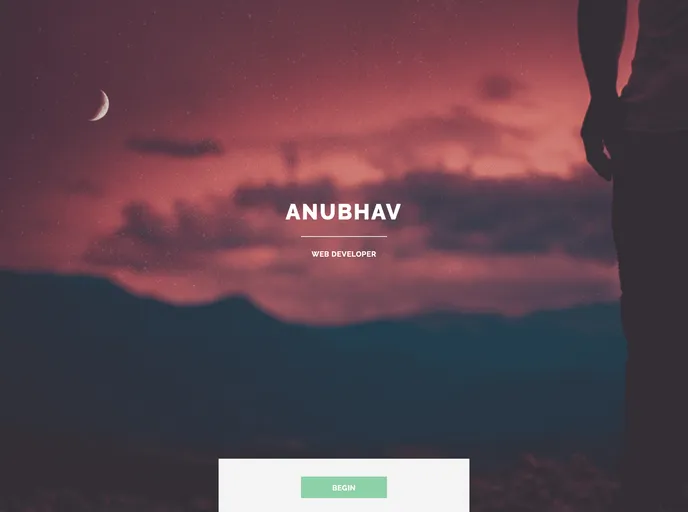
Gatsby.js V2 starter template based on highlights by HTML5 UP
The Gatsby Starter Highlights is a Gatsby.js V4 starter template based on the Highlights theme by HTML5 UP. It provides a sleek and modern design for building websites using Gatsby.
config.js file.To install the Gatsby Starter Highlights, follow these steps:
Make sure you have the Gatsby CLI program installed on your machine.
Open your command-line interface and navigate to the desired directory where you want to create your Gatsby project.
Run the following command to create a new Gatsby site using the Gatsby Starter Highlights:
gatsby new my-highlights-site https://github.com/username/gatsby-starter-highlights
Navigate into the newly created directory:
cd my-highlights-site
Open the config.js file and personalize it with your own details.
To preview and run the site locally, use the following command:
gatsby develop
Open your web browser and visit http://localhost:8000 to see the preview of your Gatsby site.
The Gatsby Starter Highlights is a Gatsby.js starter template that provides a sleek and modern design based on the Highlights theme by HTML5 UP. It is easy to install and customize, allowing users to create stylish and responsive websites using Gatsby. The template also includes options for personalization and deployment using GitHub Pages. Contributions and suggestions are welcome, and the template is open source under the specified license.

