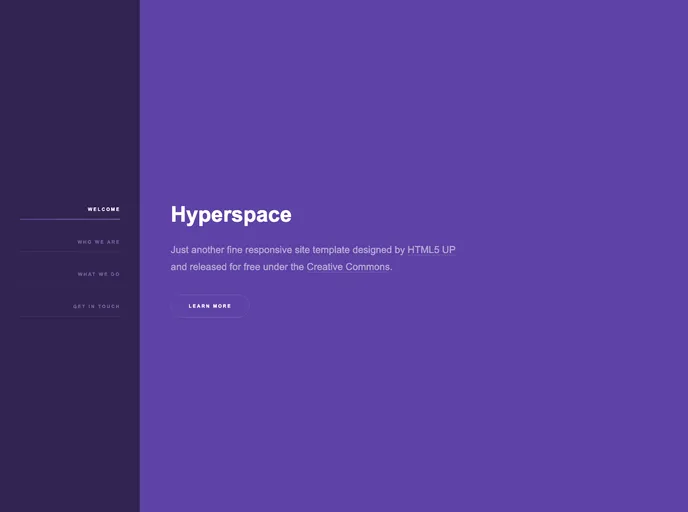
Gatsby.js V2 starter template based on Hyperspace by HTML5 UP
The Gatsby-starter-hyperspace is a Gatsby.js V4 starter template based on the Hyperspace design template by HTML5 UP. It provides a pre-built project structure and components that can be used to create a stylish and modern website.
To install the Gatsby-starter-hyperspace, follow these steps:
git clone <repository-url>
cd <project-folder>
npm install
gatsby develop
npm run deploy
config.js file. If your site is hosted on the root of a domain, remove the pathPrefix configuration.The Gatsby-starter-hyperspace is a pre-built Gatsby.js V4 starter template based on the Hyperspace design template by HTML5 UP. It provides a stylish and modern design that is easy to install and deploy, making it a great choice for building websites. With features like pre-configured hosting on Github pages and support for subpath hosting, this starter template is a convenient option for developers. Contributions and suggestions are welcome, and the template is open source with a permissive license.

