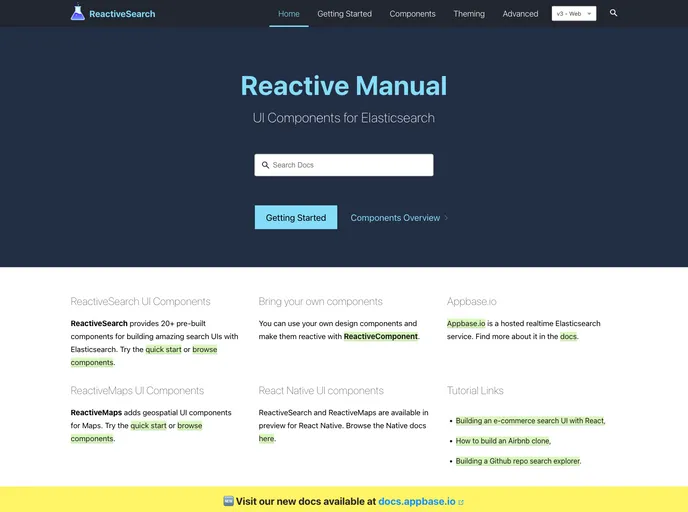
Docs for ReactiveSearch (and Maps)
The Reactive Manual is a comprehensive documentation containing all the information and resources for the Reactive components from appbase.io, including ReactiveSearch and ReactiveMaps. It provides data-driven components for building Maps and Search UIs.
To install the Reactive Manual, follow these steps:
git clone [repo-url]
npm install -g n
n stable
Install Yarn package manager using the instructions provided on the Yarn website.
Navigate to the root directory of the Reactive Manual project.
cd reactive-manual
yarn
yarn dev
The Reactive Manual is a comprehensive documentation resource for the Reactive components from appbase.io. It provides data-driven components for building Maps and Search UIs, and includes detailed documentation for ReactiveSearch and ReactiveMaps. The installation process is straightforward and involves cloning the repo, installing the necessary dependencies, and running the development server locally. Overall, the Reactive Manual enables developers to easily build interactive and feature-rich applications.

