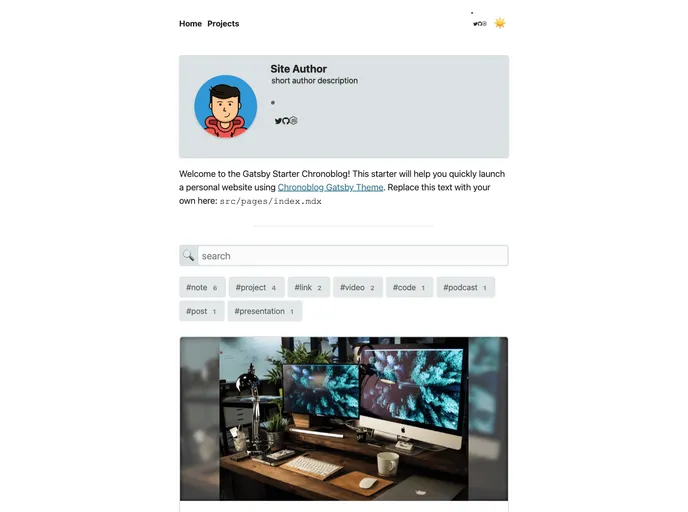
Chronoblog Gatsby Theme Starter. A starter that allows you to quickly and easily start using Chronoblog Gatsby Theme.
The Chronoblog Gatsby Theme is a popular choice for creating personal websites. It allows users to not only write blog posts but also keep a record of important milestones. The theme offers a range of features including a universal feed, search and tags for organizing content, customization options, mobile-friendly design, support for light/dark mode, code syntax highlighting, and built-in SEO settings. It is easy to install and can be deployed using platforms like ZEIT Now and Netlify.
To start using the Chronoblog Starter, there are two options:
gatsby new my-chronoblog-starter https://github.com/ganevru/gatsby-starter-chronoblog
git clone https://github.com/ganevru/gatsby-starter-chronoblog.git my-chronoblog-starter
Once you have the starter downloaded or cloned, you can navigate to the project directory and run:
gatsby develop
This will start your site at http://localhost:8000 for local testing.
The Chronoblog Gatsby Theme is a versatile choice for individuals looking to create a personal website. It offers a range of features including a universal feed, customization options, mobile-friendly design, MDX support, and built-in SEO settings. Installing the theme is straightforward, and it can be deployed using platforms like ZEIT Now and Netlify. For more information, visit the main repository on GitHub.

