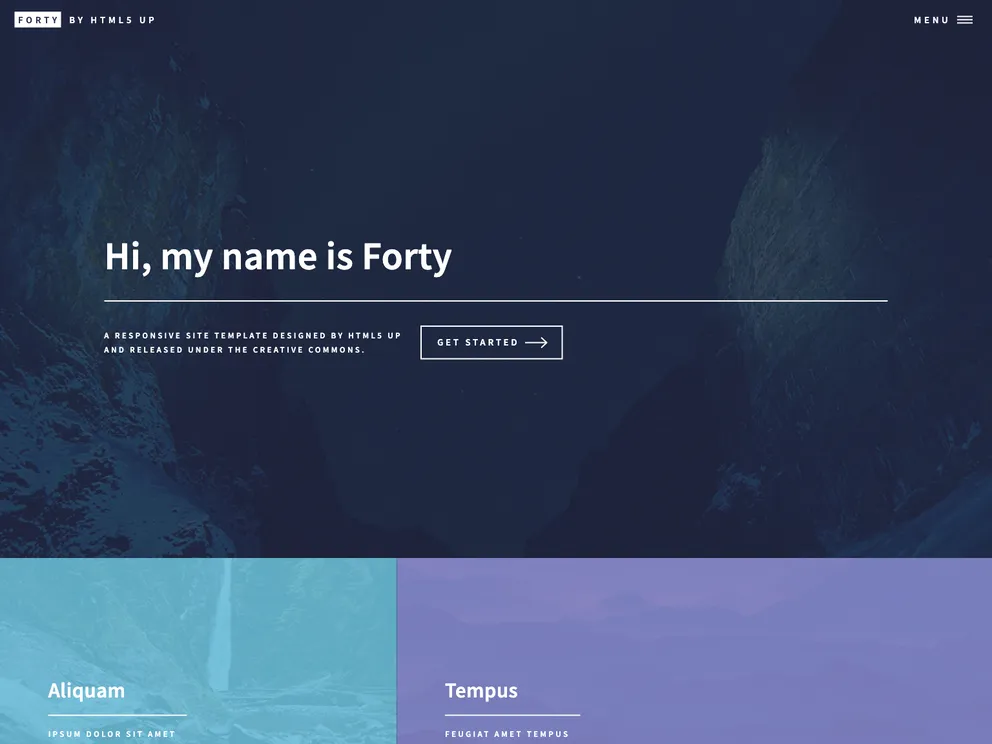
Gatsby.js V2 starter template based on Forty, designed by HTML5 UP. Check out https://codebushi.com/gatsby-starters-and-themes/ for more Gatsby starters.
The Gatsby-starter-forty is a starter theme for Gatsby.js V2. It is based on the Forty site template designed by HTML5 UP. This starter provides a clean and modern design, and it is compatible with Gatsby.js V2.
To install the Gatsby-starter-forty theme, make sure you have Gatsby installed on your system. Then, follow these steps:
Open your CLI (Command Line Interface) and navigate to the desired directory where you want to create your Gatsby project.
Run the following command to create a new Gatsby project using the Gatsby-starter-forty theme:
gatsby new gatsby-starter-forty https://github.com/codebushi/gatsby-starter-forty
cd gatsby-starter-forty
gatsby develop
The Gatsby-starter-forty is a starter theme for Gatsby.js V2 based on the Forty site template by HTML5 UP. It provides a modern and clean design, along with custom CSS Grid for easy layout customization. With its compatibility with Gatsby.js V2, it offers a great starting point for building modern and responsive websites.

