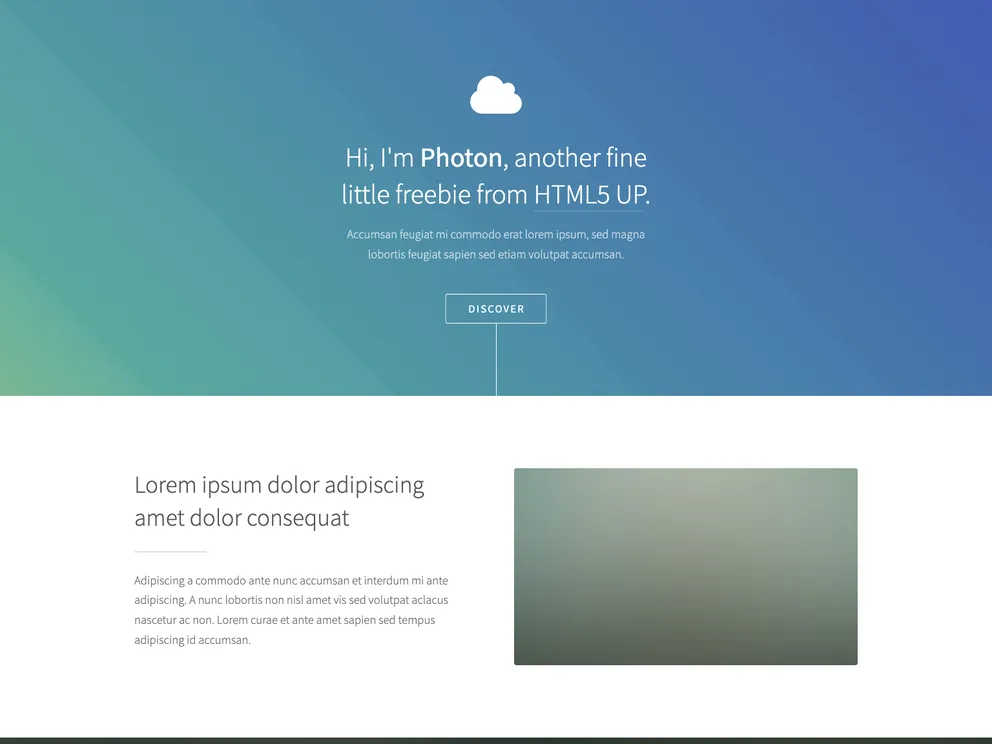
Gatsby.js V2 starter template based on Photon. Check out https://codebushi.com/gatsby-starters-and-themes/ for more Gatsby starters.
The gatsby-starter-photon is a Gatsby.js V2 starter based on the Photon site template, designed by HTML5 UP. It provides a quick and easy way to start building a Gatsby website with a modern and visually appealing design.
To install the gatsby-starter-photon, you need to have Gatsby installed on your system. If you don’t have Gatsby installed, you can follow the official Gatsby documentation to install it.
Once Gatsby is installed, you can create a new Gatsby site using the gatsby new command:
gatsby new gatsby-starter-photon https://github.com/codebushi/gatsby-starter-photon
After the project is created, navigate to the project folder in your terminal and run the following command to start the development server:
gatsby develop
This will start the Gatsby development server and you can access the site by visiting http://localhost:8000 in your web browser.
The gatsby-starter-photon is a Gatsby.js V2 starter that provides a sleek and modern design inspired by the Photon site template. It offers an easy way to get started with building a Gatsby website with optimized performance and responsive layout.

