Overview
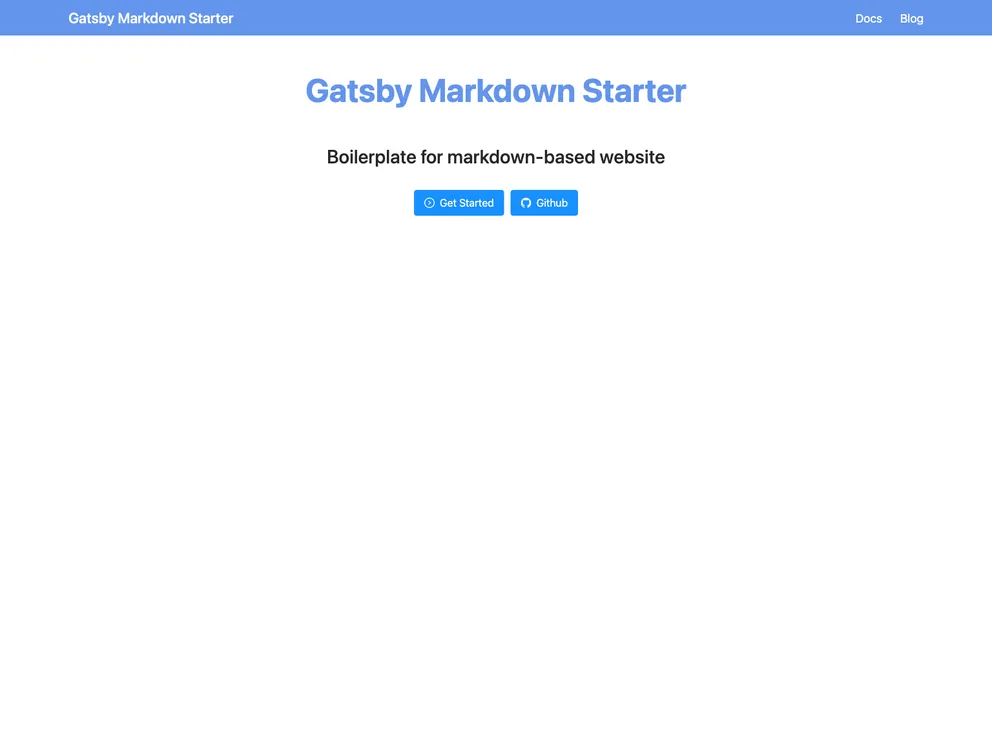
The Gatsby Markdown Starter is a boilerplate for creating markdown-based websites such as documentation, blogs, and more. It is based on the gatsby-default-starter.live demo and offers a range of features to enhance the functionality and design of your website.
Features
- Responsive Web Design: The theme is designed to be fully responsive, ensuring a seamless experience across different devices.
- Sidebar: The theme includes a sidebar, providing easy navigation and organization of content.
- Anchor: Anchor functionality is available, allowing users to easily link to specific sections within a page.
- TODO: The theme supports the addition of TODO lists, helping you manage tasks and keep track of progress.
- Footer: A footer section is included, where you can add relevant information or links.
- Search Functionality: The theme provides a search functionality, allowing users to search for specific content on your website.
- More examples: The theme offers more examples and features to explore and implement on your website.
Installation
To install the Gatsby Markdown Starter, follow these steps:
- Create a new Gatsby site using the Gatsby CLI:
gatsby new my-site https://github.com/gatsbyjs/gatsby-starter-default
- Navigate into your new site’s directory:
- Start the development server:
- Open the source code in your preferred code editor and start editing.
- Your site is now running at http://localhost:8000. Additionally, you can use the GraphQL tool at http://localhost:8000/___graphql to experiment with data querying.
Summary
The Gatsby Markdown Starter provides a comprehensive boilerplate for creating markdown-based websites. With its range of features, including responsive design, sidebar, anchor functionality, search functionality, and more, it offers a convenient and efficient way to build and customize your website. The installation guide provided ensures a smooth setup process, allowing you to quickly start developing and editing your website.