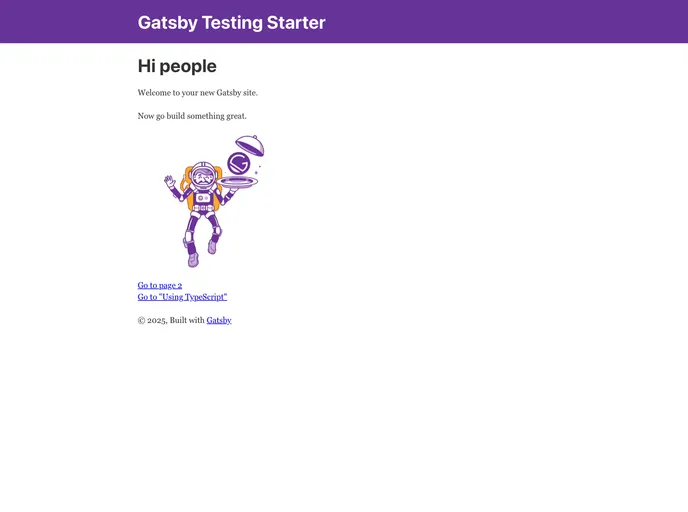
A simple Gatsby starter with configured testing frameworks and tools for each layer of the The Testing Pyramid and more.
This document is a product analysis of a default boilerplate for kick-starting a project. The boilerplate includes pre-configured testing frameworks and tools for various layers of the Test Pyramid, such as unit testing, structural testing, end-to-end testing, accessibility testing, and automated visual testing. The analysis will cover the key features of the boilerplate, installation instructions, and a summary of the content.
To utilize the default boilerplate, follow these installation steps:
Create a Gatsby site using the Gatsby CLI:
gatsby new my-project https://github.com/example/gatsby-starter
Alternatively, if you have an existing Gatsby site, navigate to its directory and install the necessary dependencies:
cd my-project
npm install
To run unit and structural tests, install the dependencies and execute the following commands:
npm ci
npm run test:unit
npm run test:structural --watch
For end-to-end (e2e), accessibility, and visual tests using Cypress, first build the project:
npm ci
npm run build
To run the tests in CI mode, use the following commands:
npm run test:e2e:ci
npm run test:accessibility:ci
npm run test:visual:ci
To run the tests explicitly in development mode with hot reloading, use the following commands:
npm run test:e2e:dev
npm run test:accessibility:dev
npm run test:visual:dev
If you want to run e2e, accessibility, and visual tests using Cypress in Docker, make sure you have XQuartz installed and configured. Then use the following commands:
npm run test:e2e:docker
npm run test:accessibility:docker
npm run test:visual:docker
To run automated visual tests using Storybook and Puppeteer, first build the project, then execute the following command:
npm ci
npm run build
npm run test:visual
Finally, if you want to run automated visual tests in Docker, use the following commands:
npm run test:visual:docker
The default boilerplate discussed in this product analysis provides a comprehensive and pre-configured setup for starting a project. It includes features such as unit testing, structural testing, end-to-end testing, accessibility testing, and automated visual testing. The installation process involves creating a Gatsby site or using an existing one, installing the necessary dependencies, and running various test commands depending on the desired mode. Overall, this boilerplate aims to streamline the initial setup of a project by providing testing frameworks and tools for different testing needs.

