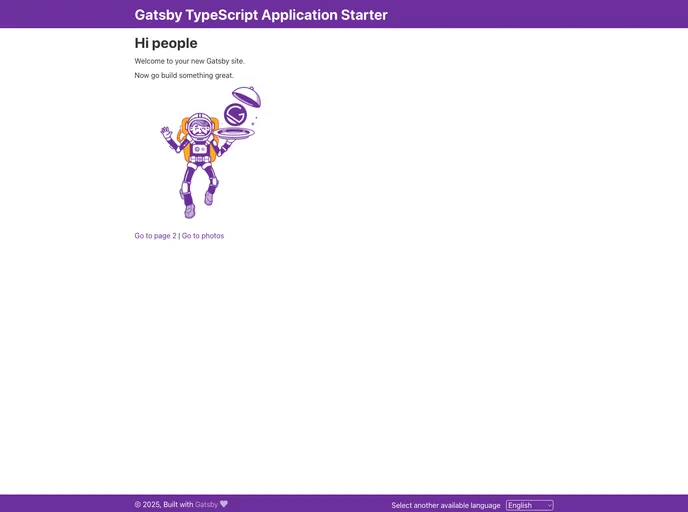
gatsby typescript application starter project
The default boilerplate is a starter template for Gatsby, an app generator for React. It provides the necessary configuration files to quickly set up a Gatsby site. It also offers a collection of official and community-created starters for more specific project ideas. This boilerplate allows users to kick start their projects and start developing with ease.
To install the default boilerplate, follow these steps:
gatsby new my-project https://github.com/gatsbyjs/gatsby-starter-default
cd my-project
gatsby develop
src/pages/index.js file in a code editor of your choice. Save your changes and the browser will update in real time.The default boilerplate for Gatsby is a convenient way to kick off a project quickly. It provides the necessary configuration files and setup to start developing blazing fast React applications. With easy installation and a collection of official and community-created starters, users have the flexibility to begin their projects with confidence.

