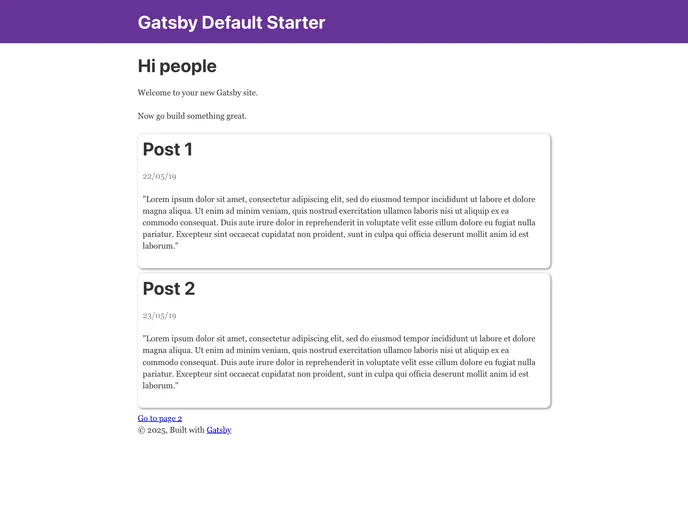
A gatsby starter using Google Sheets
This product is a starter boilerplate for creating a Gatsby site using React. It includes the main Gatsby configuration files and a plugin called gatsby-source-google-spreadsheet. The purpose of this boilerplate is to help users quickly set up and start developing a blazing fast app using Gatsby.
To install and get started with this boilerplate, follow these steps:
Create a new Gatsby site using the Gatsby CLI:
npx gatsby new my-site
Navigate into the newly created directory:
cd my-site
Add credentials to the .env file in the root directory of your project. You will need to obtain the SPREADSHEET_ID from the URL of your Google Spreadsheet. Additionally, create a service account and obtain the service account email ID and private key. Share your spreadsheet with the service account email ID with edit permission.
Open the source code in your code editor and start editing. The main file to edit is src/pages/index.js.
Run the development server:
npm start
The site should be running at http://localhost:8000.
Note: There is also a GraphiQL tool available at http://localhost:8000/___graphql for querying data. More information on using this tool can be found in the Gatsby tutorial.
This product is a boilerplate for creating Gatsby sites using React. It provides the necessary configuration files and a plugin for accessing Google Spreadsheets. By following the installation guide, users can quickly set up and start developing their own high-performance React apps with Gatsby.

