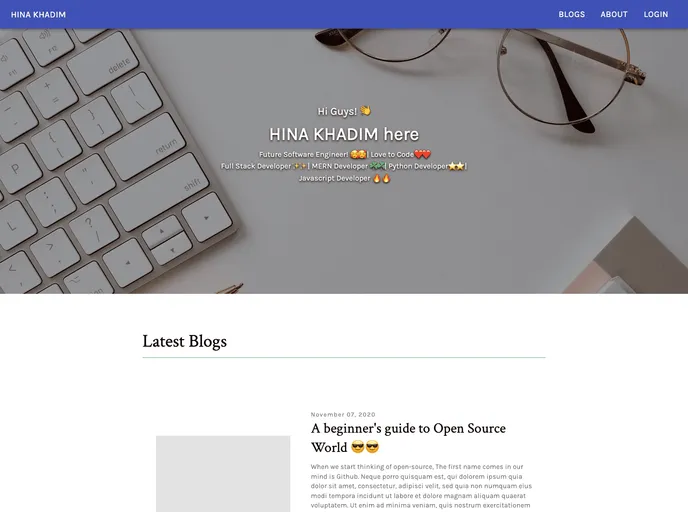
Blog in gatsby with firebase authentication
The Netlify Status is a web application built using Gatsby Js Minimal Starter, Contentful (Headless CMS), Material UI, Firebase Authentication, React Context API for state management, Graphql, and hosted on Netlify. It provides real-time updates on the status of the Netlify platform. The live demo of the Netlify Status can be accessed at http://hina-blogs-2002.netlify.app/. Feedback on the application is appreciated.
To install and run the Netlify Status application locally, follow these steps:
Create a new Gatsby site using the Gatsby CLI:
gatsby new my-netlify-status https://github.com/gatsbyjs/gatsby-starter-minimal
Navigate into the project directory:
cd my-netlify-status
Install the required dependencies:
npm install
Configure the application with your Contentful credentials and other necessary environment variables.
Start the development server:
gatsby develop
Open your browser and access the application at http://localhost:8000.
The Netlify Status application is a real-time status tracker for the Netlify platform. It provides updates on the platform’s availability and performance. Built using Gatsby Js Minimal Starter, Contentful, Material UI, Firebase Authentication, React Context API, and GraphQL, the application offers a modern and responsive user interface. It is easy to install and run locally. The Netlify Status application is hosted on Netlify for seamless deployment and scalability. Feedback on the application is appreciated.

