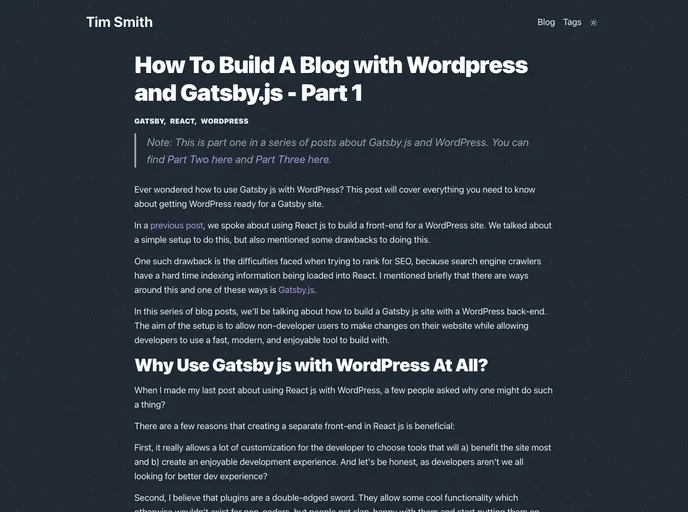
Code for a blog post about building a blog using WordPress and Gatsbyjs
Starting a project with Gatsby has never been more straightforward. The default boilerplate provides all the essential configuration files necessary for a swift setup, allowing developers to quickly dive into building dynamic and high-performance websites with React. This starter is perfect for those looking to kick off their projects efficiently while having the flexibility to explore a range of official and community-created starters for more specialized needs.
With the convenience of the Gatsby CLI, you can easily create a new site, navigate into its directory, and begin developing right away. The real-time editing feature helps streamline your workflow, making it simple to see changes instantly in the browser as you work on your project.
Quick Start: Jump into development with the Gatsby CLI to create a new site effortlessly using the default starter.
Real-Time Editing: Open your project’s directory in your code editor and see changes in the browser instantly, enhancing productivity.
Comprehensive File Structure: All foundational files are organized, including directories for source code, configuration, and dependency management.
Flexible Configuration: The gatsby-config.js file allows easy customization of site metadata and plugin integration, catering to various project requirements.
Version Control: The .gitignore file helps maintain a clean version history by excluding unnecessary files from tracking.
Code Formatting: A Prettier configuration file ensures your code maintains consistent formatting, fostering better readability and collaboration.
API Integration: The gatsby-browser.js, gatsby-node.js, and gatsby-ssr.js files provide hooks for customizing default Gatsby behavior and enhancing site functionality.
Dependency Management: The package.json and package-lock.json files manage your project’s npm packages, making installations and updates seamless.

