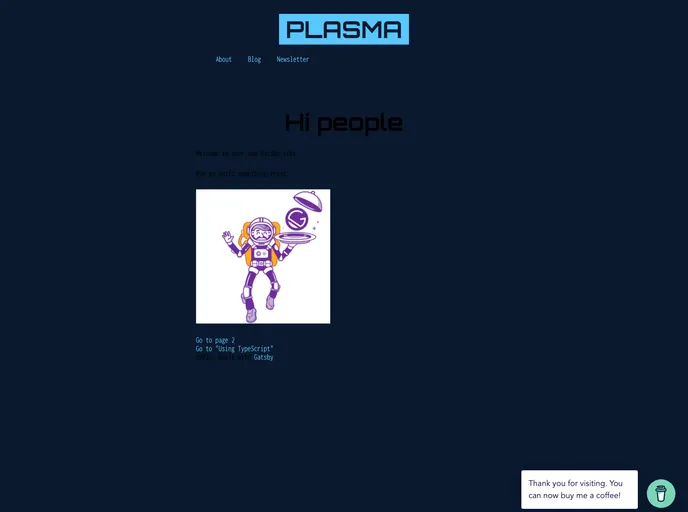
A modern and clean starter to get up and developing quickly with Gatsby
This document provides information about a Gatsby starter boilerplate called PlasmaNetlify. It highlights the key features, installation process, and the contents of the project. Gatsby is a fast app generator for React, and this starter includes the necessary configuration files to quickly set up and develop a Gatsby site.
To install the PlasmaNetlify Gatsby starter, follow these steps:
gatsby new my-site https://github.com/gatsbyjs/gatsby-starter-hello-world
cd my-site
gatsby develop
Open the source code in your preferred code editor and start making changes.
Access the site from your browser at http://localhost:8000.
Note: Another useful tool, http://localhost:8000/___graphql, is available for experimenting with data querying. Refer to the Gatsby tutorial for more details on using this tool.
The PlasmaNetlify Gatsby starter boilerplate is a convenient way to get started with developing a Gatsby site. It includes features such as Percy.io integration for visual regression testing, eslint code style with prettier, and an easy-to-use Gatsby CLI. The installation process is straightforward, allowing developers to quickly set up their development environment and start editing the source code. With its included tools and configuration files, PlasmaNetlify provides a solid foundation for building blazing fast React applications.

