Overview
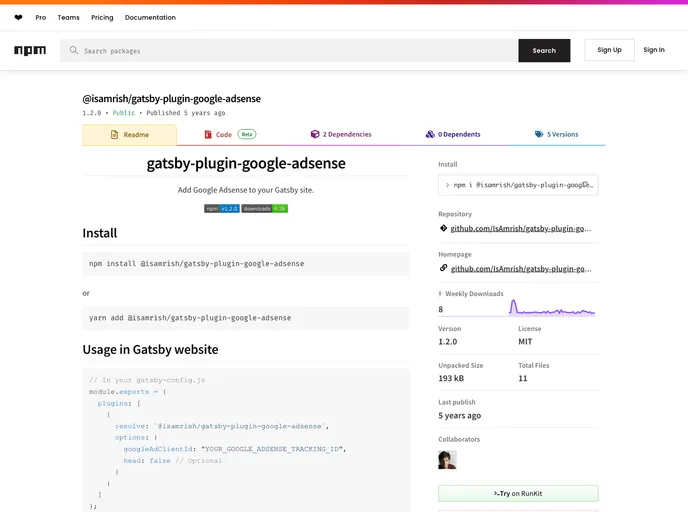
Integrating Google Adsense into a Gatsby website can significantly enhance your monetization strategy. With its straightforward setup process, you can effectively manage ad placements that align with your site’s design and user experience. This guide aims to streamline the implementation of Google Adsense into your Gatsby project, allowing you to focus on creating engaging content while maximizing your ad revenue potential.
Features
- Google Ad Client ID: Easily integrate your Google Adsense tracking ID for accurate ad performance tracking and revenue analysis.
- Flexible Script Placement: Choose between placing the tracking script in the header or the body of your site, with the default setting benefitting from optimal loading times.
- Recommended Best Practices: Follow Google Adsense’s recommendation of placing the script in the head tag for improved ad visibility and performance.
- Simple Configuration: A user-friendly setup process ensures that even those new to web development can efficiently implement ads without extensive coding knowledge.
- Optimized for Gatsby: Seamlessly integrates with Gatsby’s architecture, enhancing page speed and loading efficiency while serving ads effectively.
- Ad Component Example: Provides a clear and practical example of how to implement the Adsense component, making it easier for developers to get started.