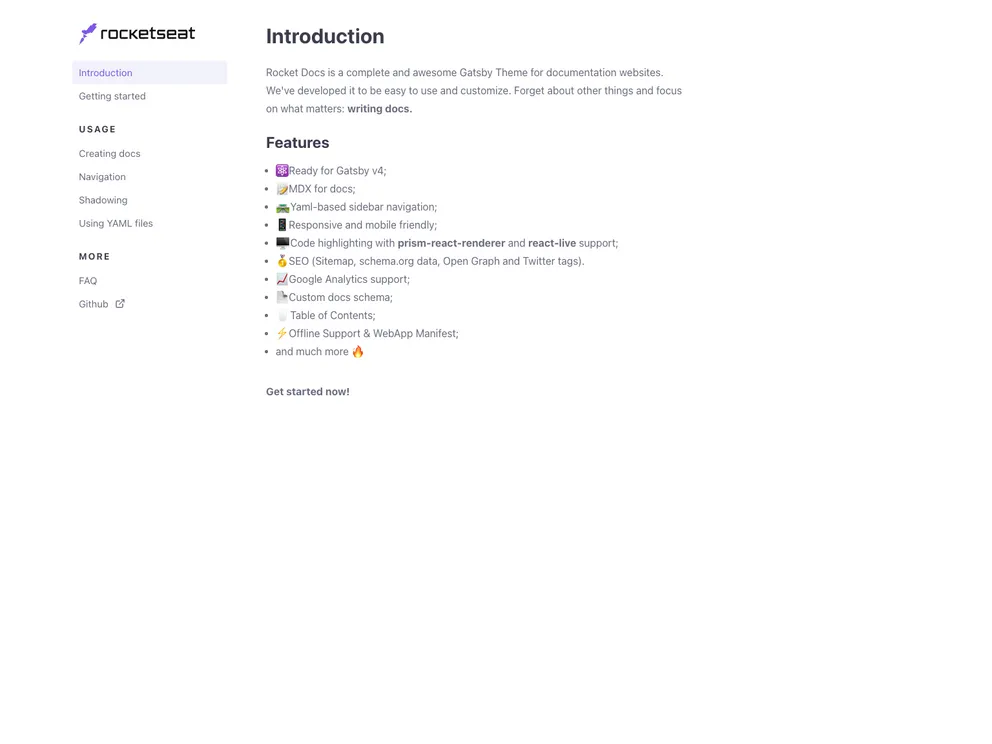
Easy to use Gatsby Theme to create documentation websites
The gatsby-theme-docs-core is a core theme for documentation websites that provides all the necessary data structures. It allows users to easily and quickly create documentation websites using Gatsby.
To install the gatsby-theme-docs-core theme, follow these steps:
Open your terminal or command prompt.
Navigate to your Gatsby project directory.
Run the following command to install the theme:
npm install gatsby-theme-docs-core
Once the installation is complete, include the theme configuration in your gatsby-config.js file:
module.exports = {
  plugins: [
    {
      resolve: "gatsby-theme-docs-core",
      options: {
        // Add theme options here
      },
    },
  ],
};
Customize the theme configuration according to your needs.
Start your Gatsby development server using the gatsby develop command.
Access the documentation website by opening a web browser and navigating to http://localhost:8000.
The gatsby-theme-docs-core is a powerful theme for creating documentation websites using Gatsby. It provides comprehensive data structures and out-of-the-box functionality, allowing users to quickly set up their documentation websites. With its contributor-friendly approach and support channels, users can get help and actively contribute to the project. The theme draws inspiration from other open-source projects, making it a valuable resource for developers.

