Gatsby starter site with Kontent.ai
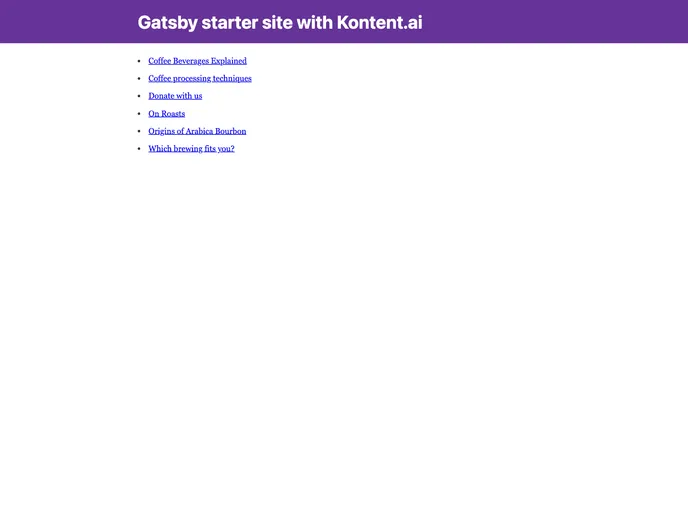
This product is a Gatsby starter site pre-configured with Kontent.ai source plugin. It displays a list of articles written by a coffee shop called Dancing Goat.
To install the theme, follow these steps:
gatsby new [subdirectory name] https://github.com/kontent-ai/gatsby-starter. Replace [subdirectory name] with your preferred project directory name.npm install to install all dependencies..env.template to a new .env file. Update the values of KONTENT_PROJECT_ID and KONTENT_LANGUAGE_CODENAMES based on the settings in the Kontent.ai account.npm run develop (or gatsby develop) to start the site at http://localhost:8000. You can also access the GraphiQL interface for testing GraphQL queries at http://localhost:8000/___graphql.This Gatsby starter site with Kontent.ai integration allows users to display a list of articles written by a coffee shop called Dancing Goat. It supports multiple languages and provides easy installation and setup instructions.

