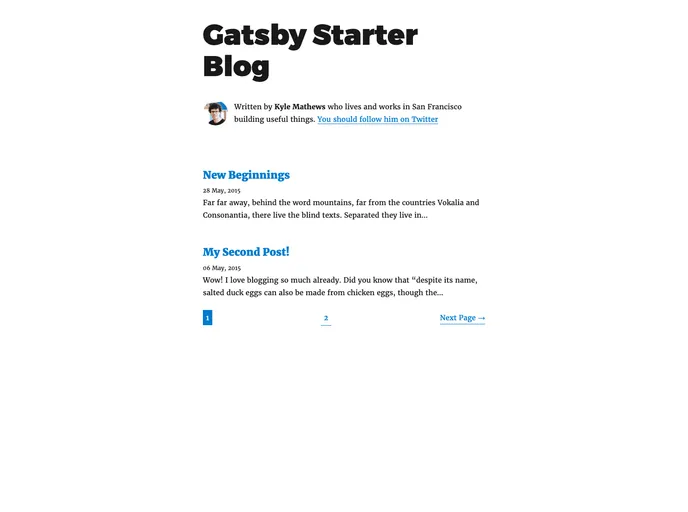
Gatsby starter blog with pagination
The gatsby-paginated-blog is a Gatsby starter that allows users to create a blog with pagination. It provides a pre-configured setup for creating a blog website that includes pagination functionality. This starter can be easily installed and customized according to individual requirements.
To install and set up the gatsby-paginated-blog starter, follow these steps:
Open your CLI (Command Line Interface).
Run the following command to create a new Gatsby site based on the gatsby-paginated-blog starter:
npx gatsby new my-paginated-blog https://github.com/NickyMeuleman/gatsby-paginated-blog
Once the installation is complete, navigate to the newly created directory:
cd my-paginated-blog
Run the development server using the following command:
npm run develop
The site should now be running in development mode. Open your web browser and visit http://localhost:8000 to view the blog.
The gatsby-paginated-blog starter is a convenient solution for creating a blog website with pagination using Gatsby. It provides pre-configured settings for a paginated blog and allows users to easily navigate through multiple blog posts. With customization options available, users can tailor the theme and design of the blog to their specific needs.

