Overview
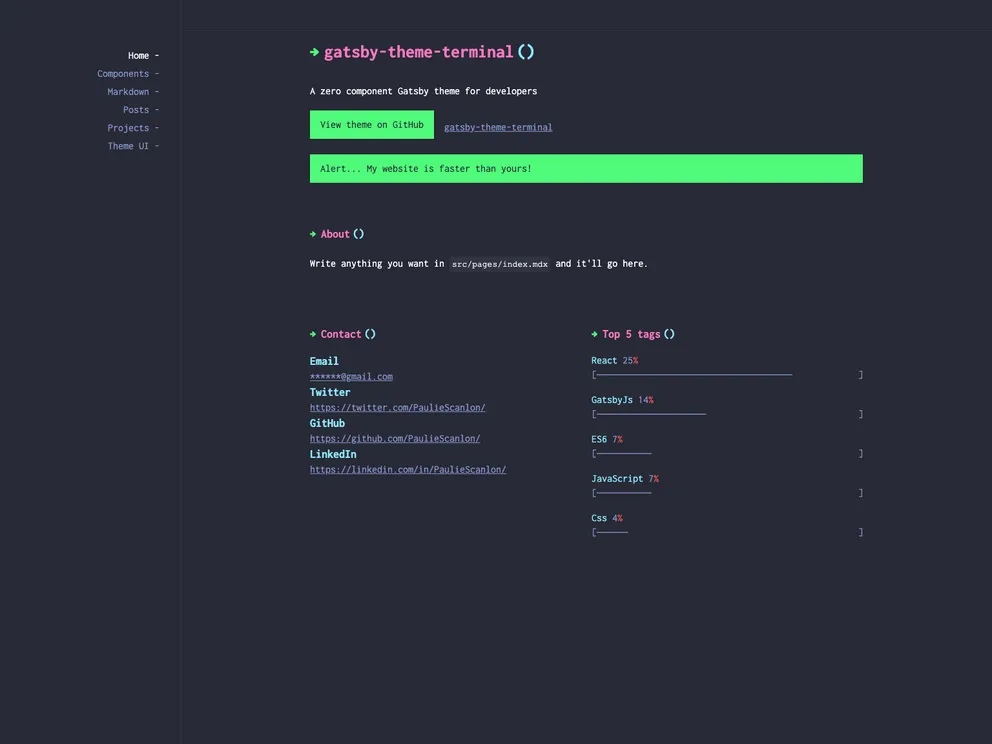
Gatsby Theme Terminal is a flexible and customizable theme that aims to provide a zero-component solution. It offers data components to facilitate the abstraction of presentational and data layers, giving users the freedom to create their own page layouts and component combinations using either their own components or components provided by theme-ui/components.
Features
- Zero-component theme: Gatsby Theme Terminal is designed to require no additional components, providing a seamless integration experience.
- Abstraction of presentational and data layers: The theme handles the data layer, allowing users to define how the data is displayed using their own components or components from theme-ui/components.
- Flexibility in page layout: Users can create any page layout or component combination they prefer, enabling them to fully customize their websites.
Installation
To install Gatsby Theme Terminal, follow these steps:
- Clone the starter gatsby-starter-terminal or manually set up your Gatsby project.
- Install the necessary peer dependencies.
- Configure your gatsby-config.js file by adding the siteMetaData and @pauliescanlon/gatsby-theme-terminal to the plugins array.
- Create .mdx files in the src/pages directory to add pages to your website. Ensure that you have at least one file named index.mdx located in src/pages to avoid GraphQL errors.
- Set up the frontmatter for each page, including the navigationLabel, within the .mdx files.
- Utilize the theme options to source additional .mdx files from locations outside the pages directory, specifying the source option in gatsby-config.js.
- Create the relevant files and directories for the sourced .mdx files.
- Utilize the embedded image capabilities by using the <GatsbyImage /> component from gatsby-plugin-image and passing the image data queried by GraphQL via the image prop.
- Explore the complete markdown support provided by the theme and learn how to use markdown in your project.
- Take advantage of the theme’s compatibility with the components provided by theme-ui/components, as demonstrated in the theme’s demo.
- Access the theme’s own components, which primarily serve as source nodes. These components can be rendered in any .mdx file.
- Customize the theme by shadowing the theme file or adding your own logo. Create the necessary directories and files for shadowing or customizing as needed.
Summary
Gatsby Theme Terminal is a powerful and flexible theme that allows users to create highly customized websites without the need for additional components. Its zero-component approach and wide range of features, such as abstraction of layers and support for markdown and theme-ui components, make it a versatile choice for web development. With the ability to customize the theme through shadowing and add-ons, users have full control over the visual and functional aspects of their websites.